■ Withdrawing from the App
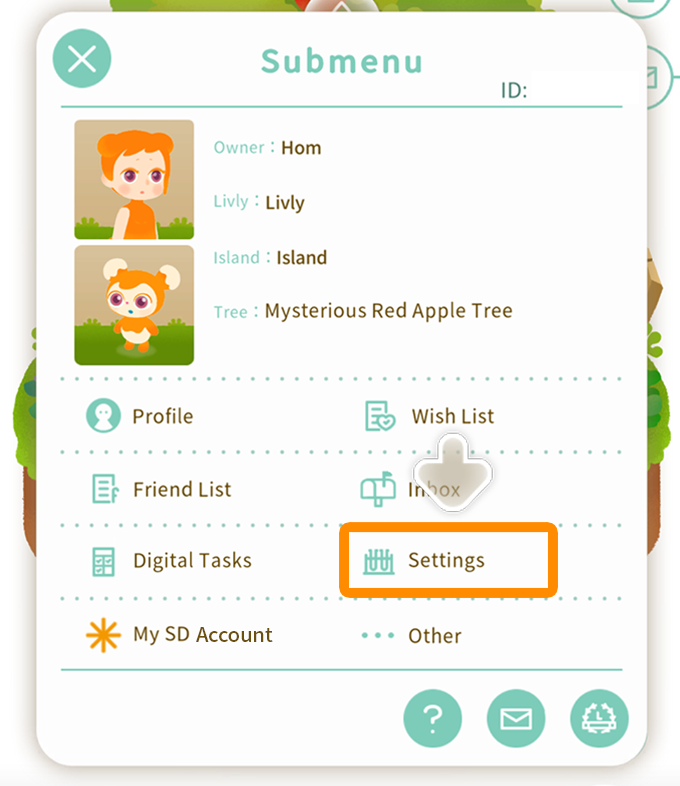
You can access the Withdrawal Procedure by selecting Settings from the Submenu found at the bottom right of your island screen.
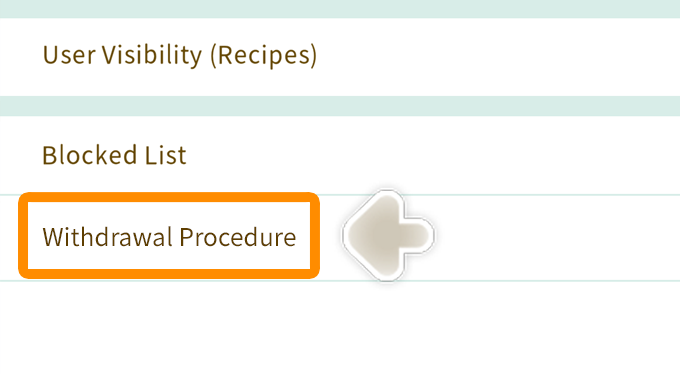
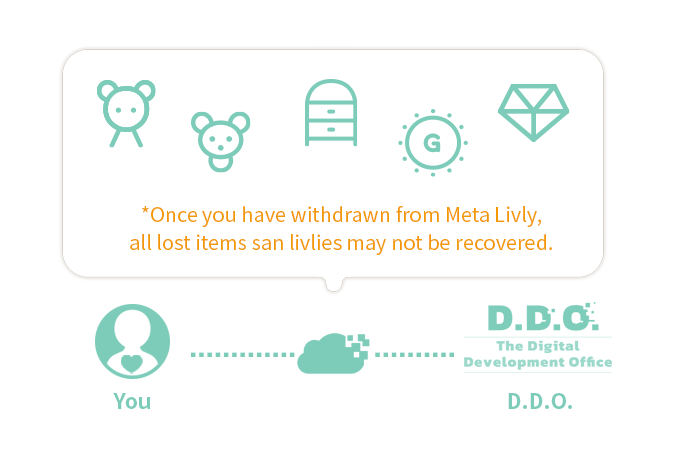
Once you have withdrawn from the app, all items you currently own, including GP, doodoo, SD, and CC will be destroyed, and your livlies will be sent to the laboratory.
*Please note that you cannot recover your account after withdrawal. Please consider carefully before withdrawing.
■ Uninstalling the App
Your account will not be deleted upon uninstalling the app.
We have provided how to [uninstall] the app below, but since the operation method and screen display will differ depending on the device, please contact the relevant store or contractor for detailed operation instructions.
*Please note that we encourage owners to have only one account per device. You will need to have multiple devices for multiple accounts. In certain circumstances, we may disable the creation of multiple accounts. Should you have any questions, please contact us.
◆ iOS Users
1. Touch and hold the Meta Livly icon.
2. Tap Remove App in the displayed list or the "x" icon in the upper left corner of the app icon. Then, tap Delete App.
◆ Android Users
1. Touch and hold the Meta Livly icon.
2. Tap Uninstall.
*In some devices, touch and hold the app icon and drag it to Uninstall.